
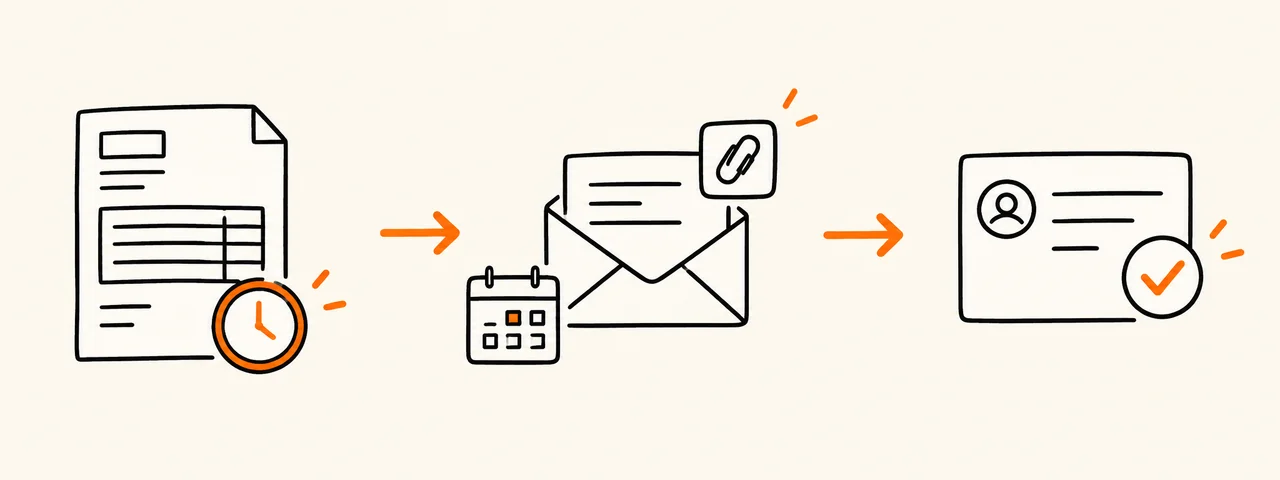
Check the invoice before following up
Confirm that the invoice reached the correct billing contact and that its number, amount, due date and payment details are accurate. Check your records for a payment or client question that may not have reached you.
- Correct billing contact and email address
- Invoice number, currency, amount and due date
- PDF attached again or working invoice link
- Any purchase order or vendor reference the client needs
First past-due reminder
Use a neutral message when the invoice has just passed its due date. Ask whether anything is blocking payment rather than assuming intent.
Subject: Invoice [number] was due on [date]

Hi [name],

I’m following up on invoice [number] for [amount and currency], which was due on [date]. I’ve attached it again for reference.

Could you confirm the payment status and let me know if your team needs anything else to process it?

Thank you,
[your name]
Second follow-up with a requested date
If the first message has no answer, refer to it and request a concrete payment date. Keep the thread and supporting document together.
Subject: Second follow-up: invoice [number]

Hi [name],

I’m following up again on invoice [number] for [amount and currency], originally due on [date]. Please confirm the expected payment date by [reply date].

I’ve attached the invoice again. If there is a problem with the document or work listed, please tell me so we can resolve it.

Thank you,
[your name]
When the client says payment was sent
Ask for the payment date and reference so you can match it to your records. Do not send account details or sensitive information that the recipient does not need.
Subject: Payment reference for invoice [number]

Hi [name],

Thank you for the update. I have not yet matched the payment to invoice [number]. Could you send the payment date and transaction reference so I can check it against my records?

Thank you,
[your name]
What to leave out
Do not invent late fees, legal consequences or deadlines that are not supported by your agreement and applicable rules. Keep a record of what you sent and escalate through your normal business process when an ordinary reminder does not resolve the issue.
Attach the same invoice you checked
Open the PDF before attaching it and verify that it matches the number, amount and due date in the email. Invio creates the PDF in your browser; it does not send reminders or collect payment.