
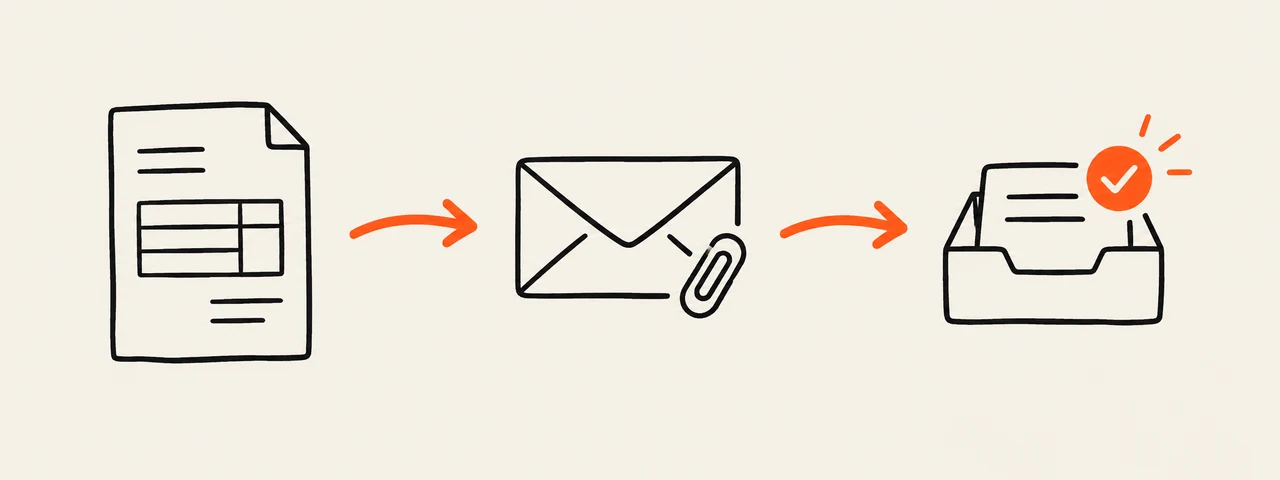
Create an invoice email
Choose whether you are attaching the PDF or sharing a link. The builder replaces the main details in the subject and message. Nothing is sent: you copy the result into your own email service.
These details stay in this browser page. Invio does not send this email or save its contents on the website.
What to put in the subject line
Name the document and include its number so the client can find the message later. Add your business name when the recipient may not recognize the sending address. Keep project details in the message rather than turning the subject into a second invoice.
Invoice INV-0042 from North Studio
Invoice email template for a PDF attachment
Say that the invoice is attached, identify the work and repeat the due date. Do not write “attached” until the file is actually on the message.
Subject: Invoice INV-0042 from North Studio

Hi Morgan,

I’ve attached invoice INV-0042 for the website design work. Payment is due by September 30, 2026.

Please let me know if you need anything else for your records.

Thanks,
Alex
North Studio
Invoice email template for a shared link
Use this version when the invoice is available through a link rather than attached as a PDF. Open the link yourself before sending and make sure the intended client can access it.
Subject: Invoice INV-0042 from North Studio

Hi Morgan,

You can view invoice INV-0042 for the website design work here: [invoice link]

Payment is due by September 30, 2026. Please let me know if the link does not open.

Thanks,
Alex
North Studio
A short follow-up before the due date
If you need to confirm delivery, reply in the original thread so the invoice and context stay together. This is not a past-due notice: ask whether the file arrived and avoid implying that payment is already late.
Subject: Re: Invoice INV-0042 from North Studio

Hi Morgan,

I’m checking that invoice INV-0042 reached you and that you have everything needed to process it. The due date is September 30, 2026.

Thanks,
Alex
Check the email before sending
Compare the message with the finished invoice rather than relying on memory.
- The recipient and email address are correct.
- The invoice number and due date match the PDF.
- The attachment is present, or the shared link opens.
- The work description is recognizable to the client.
- The message does not contain unused brackets or sample names.
Create the invoice, then send it yourself
Invio creates and downloads the invoice PDF in your browser. The website does not email the client or collect payment. Attach the downloaded file to your message, or share a link from a service you already use.