
Create your next invoice number
Enter a short prefix, choose whether to show the year and set the next counter. The result is predictable rather than random. Before using it, compare it with your own invoice records because this browser tool cannot see numbers created elsewhere.
Invio formats the number but does not reserve it. Check your records before sending the invoice.
Invoice number format examples
Choose one format that stays readable as the sequence grows. A short invoice prefix can identify the document type or a stable business series; the counter should remain unique within your records. These are format examples, not available numbers reserved for your business.
INV-0001 — simple invoice prefix and counter
2026-0001 — year and counter
INV-2026-0001 — prefix, year and counter
WEB-0042 — stable service-series prefix
INV-US-0042 — stable business-series prefix
EST-0042 → INV-0108 — separate estimate and invoice series
- Keep the number unique within your invoice records.
- Use the same separators and counter width each time.
- Avoid client names, email addresses and other personal details in the identifier.
What an invoice number is for
An invoice number identifies a particular document. You and your client can use it in payment references, email questions and record searches. It is different from a client ID, purchase order number or the date of the invoice.
A simple sequential invoice number
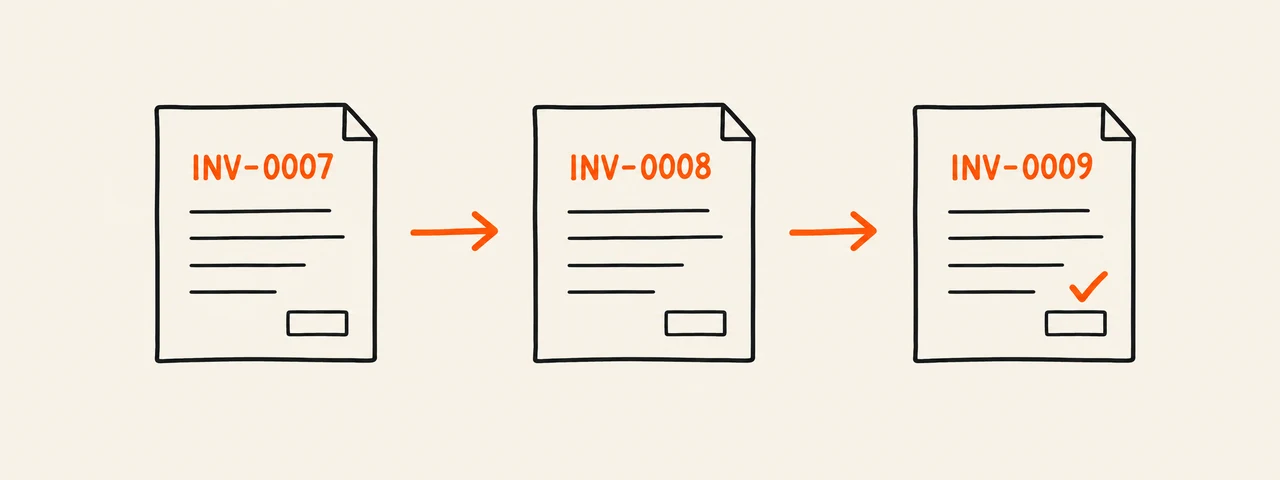
A prefix and a padded counter are easy to scan. Check the most recently assigned number before creating the next one. This example shows a format, not the next available number for your business.
INV-0001
INV-0002
INV-0003
A format that includes the year
Adding the year can make older documents easier to find. Decide how your counter continues across years and confirm that the approach fits your recordkeeping requirements. Keep the rule written down so you do not change it halfway through.
INV-2026-001
INV-2026-002
INV-2026-003
Keep estimate and invoice references distinct
Separate prefixes help distinguish a proposed price from a request for payment. When converting an estimate, check that the resulting invoice number has not already been assigned.
Estimate reference: EST-0042
Invoice reference: INV-0108
Optional invoice note: Based on estimate EST-0042
Check for duplicates before sending
Search your invoice records for the proposed number. A browser generator cannot know all the numbers you have used in other apps or files. Invio’s web form does not reserve a number or maintain a global sequence.
- Check other invoice files and any invoicing app you use.
- Do not reuse a number just because a payment is overdue.
- Coordinate numbering if more than one person creates invoices.
- Keep a record of the number, client, date and document location.
If an invoice needs a correction
Keep the original document and an explanation of the change. Do not silently replace an issued invoice and assume the client has the new version. The correction process, including whether a replacement invoice or credit note is appropriate, depends on the rules that apply to your business.