
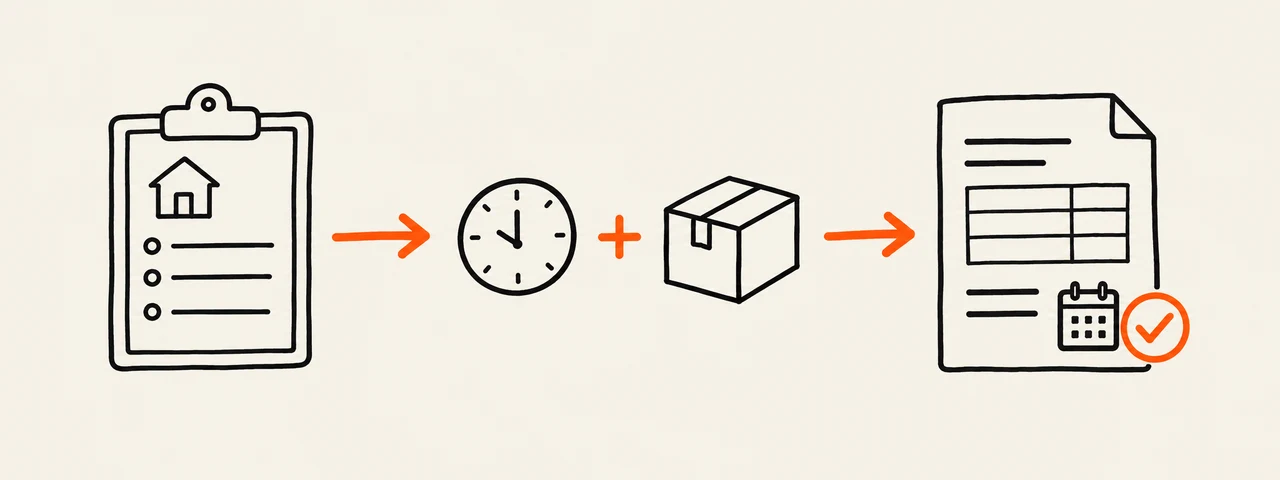
Build the estimate outline
Enter your own description, hours, rate, material cost and tax. Add the scope boundaries and expiry date. The result stays in this browser and can replace the matching parts of your saved estimate draft.
Enter your own prices and tax rate. Invio does not choose rates or decide which taxes apply.
What to include in an estimate
Identify both parties and the project before listing prices. A client should be able to connect each amount to a piece of work or material and see when the offer stops being current.
- Estimate number and issue date.
- Your business and client details.
- Separate descriptions, quantities and rates.
- Applicable tax entered by you.
- Included work, exclusions and assumptions.
- A Valid until date and any estimate terms.
Separate labor, materials and other costs
Use distinct rows when the client needs to understand how the total is built. For labor, enter the agreed quantity and rate. List materials, permits or other fees separately when combining them would hide a useful distinction. Do not add regional rates that you have not confirmed for this job.
State what is included and excluded
Write the boundary in plain terms. Name the deliverables, quantities or work stages included in the price. Put known exclusions beside them, such as client-supplied materials, repairs discovered after work starts or work outside the listed area. Replace these examples with terms that match the actual job.
Use Valid until for the offer expiry
The Valid until date tells the client how long the estimate remains current. It is not the payment due date for a future invoice. When an accepted estimate becomes an invoice, choose the payment due date and review the payment terms separately.
Worked estimate example
This example demonstrates the arithmetic and document structure only. The quantities and prices are not suggested market rates.
Project: Office lighting update
Labor: 8 hours × $75.00 = $600.00
Materials and fittings: 1 × $240.00 = $240.00
Subtotal: $840.00
Tax entered for this example: 0%
Estimate total: $840.00
Valid until: September 30, 2026
Included: installation labor and listed fittings
Excluded: wall repair and work not listed above
Check the estimate before sending
Read the document as if you were the client seeing the project for the first time.
- Names, project and site details are correct.
- Every quantity, rate and tax entry is intentional.
- The total matches the visible line items.
- Scope, exclusions and validity are specific to this job.
- No sample values or bracketed placeholders remain.
- The PDF opens and all pages are readable.
Convert it only after the client accepts
Keep the estimate as the pre-work record. After acceptance, convert it into an invoice, assign the invoice number and payment due date, and check the terms before downloading the invoice PDF.